Stripe Checkout payments for public bookings
Let visitors pay for day passes online before their booking is confirmed. Each space connects their own Stripe account — funds go directly to them and OhMyDesk takes no cut.
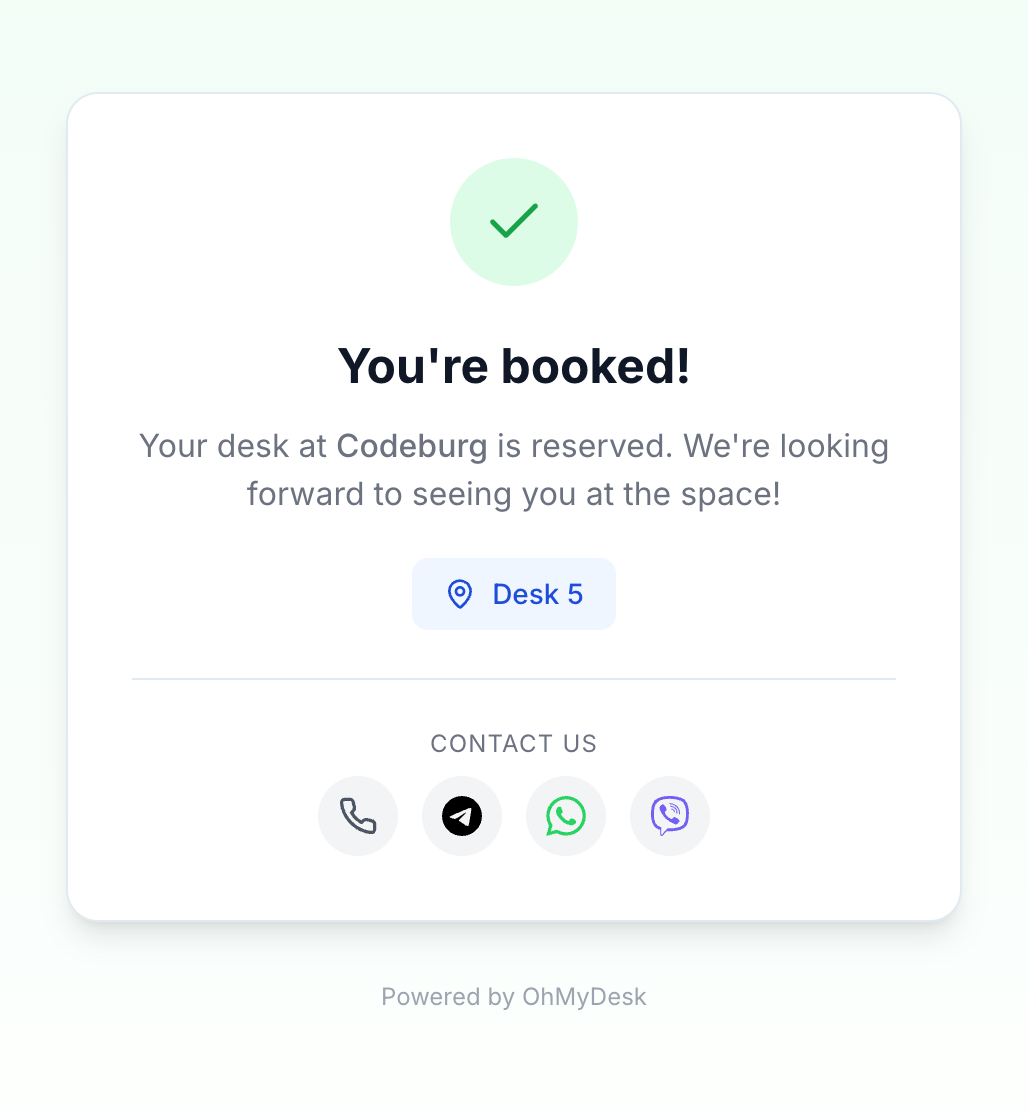
Enable paid public bookings in two minutes. Each coworking space connects their own Stripe account from Settings → Integrations (just paste your API keys — no complicated Stripe Connect onboarding). Flip the "Charge visitors" toggle and the public booking page instantly switches from "Book Desk" to "Pay €X & Book". Visitors go through Stripe Hosted Checkout, payment confirms the booking automatically, and the funds land directly in your Stripe account.
What you get
- Connect your own Stripe account — OhMyDesk never touches the money
- Per-feature toggle: turn paid bookings on or off without disconnecting Stripe
- Hosted Stripe Checkout — no card data ever touches OhMyDesk
- Booking auto-confirmed via webhook after successful payment
- Cancellation handled gracefully: visitors can retry after abandoning checkout
- Paid bookings show a Stripe-coloured indigo marker on the calendar
- Multi-currency support — visitors pay in whatever currency your space is set to
Try every feature free for 3 months.
No credit card. Set up your space in under two minutes.
Start Free Trial