Desk plan limits and public price tiers
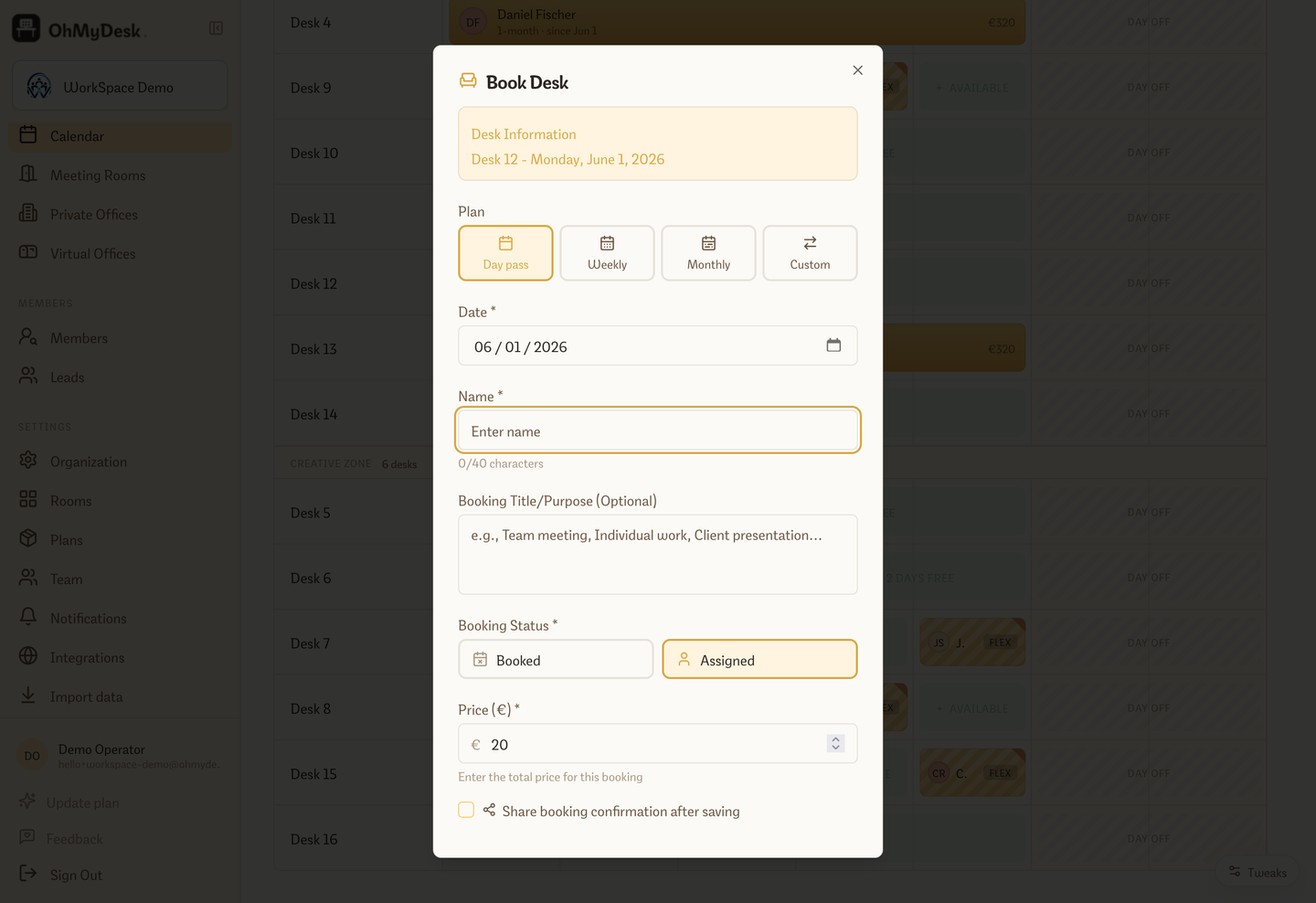
Exclude specific plans from desks or whole rooms (new plans stay allowed until you limit them). Set up desk categories — day-pass price tiers — on the Plans page, and optionally show guests a category step on public booking when prices differ. They never choose a desk.
Day-pass and flex guests can stay on flexible desks while fixed members keep their neighborhood. Categories are price levers only: when every tier costs the same, the public page skips the extra step.
What you get
- Dynamic exclusion list — no whitelist to update when you add a plan
- Room defaults with per-desk overrides in the Rooms configure form
- Desk categories live on Plans, next to the day pass price: add or edit one in a single dialog with its name, day price and the desks that belong to it, grouped by room
- Server enforcement on public booking, member links, and operator saves
- Operator toggle: categories off restores the classic public desk flow
Frequently asked questions
- Where do I set up desk categories?
- On the Plans page, in the Desk categories card next to the day pass price. Add or edit a category in one dialog: name, day price and the desks that belong to it, grouped by room.
- Do guests choose a specific desk on public booking?
- No. With categories on, guests see a category step only when the categories in use have different day prices, and they never pick an individual desk.
Try every feature free for 3 months.
No credit card. Set up your space in under two minutes.
Start Free Trial