Visual desk booking calendar
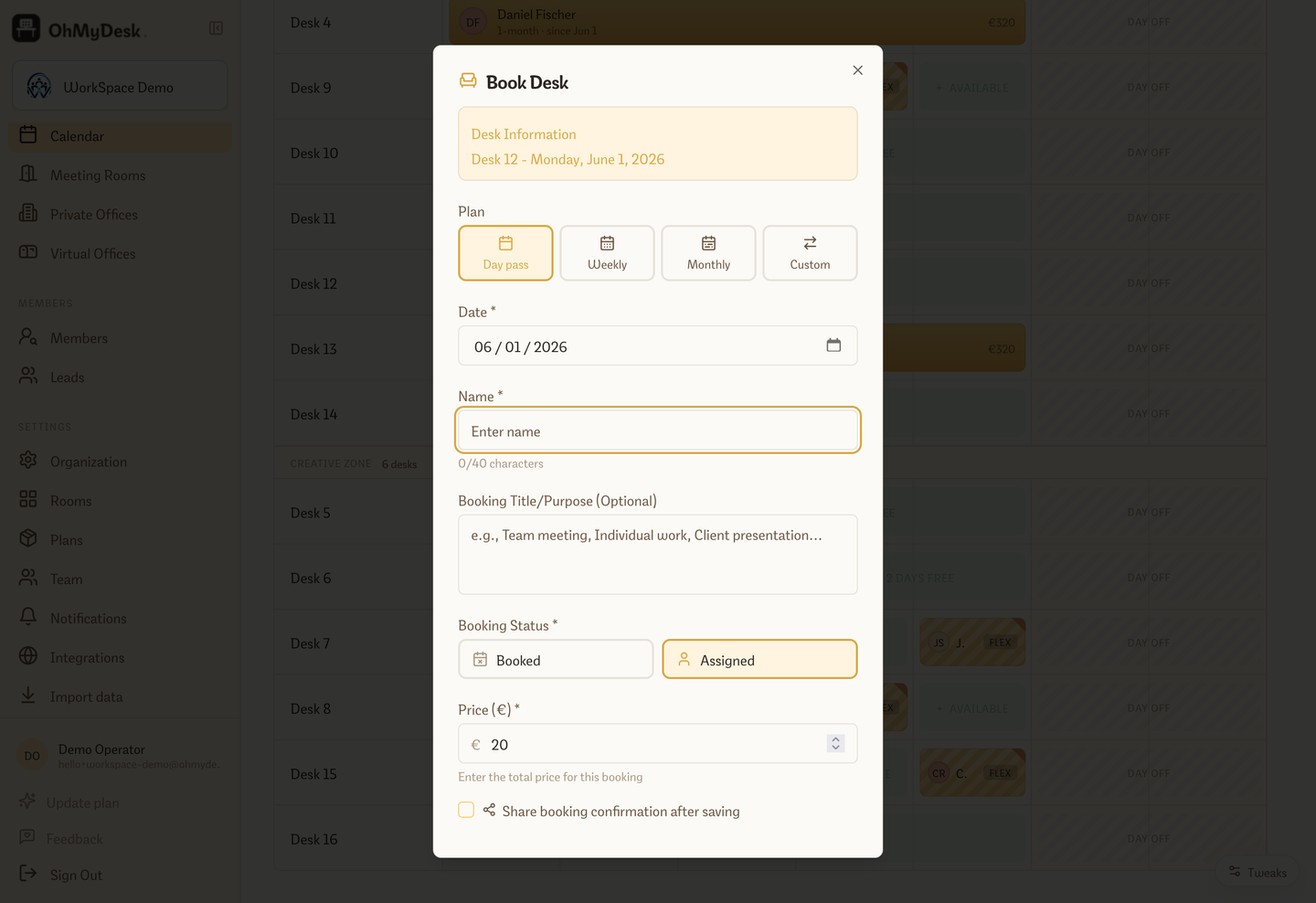
OhMyDesk shows every desk in every room as a color-coded weekly or monthly grid. Operators click a cell to book, drag to select a range, or ctrl-click for bulk updates — no dropdowns, no page reloads.
A weekly and monthly calendar grid showing every desk in every room at a glance. Click any cell to book, drag to select a range, ctrl-click to bulk update. Built for managers who need to see capacity at one look — not for end users hunting through dropdowns.
What you get
- Weekly and monthly views with smooth navigation between weeks
- One Calendar for the whole space: when you have meeting rooms, a Desks | Meeting rooms switch under the page title moves between the desk grid and the hourly room grid, so the sidebar has one Calendar item, not two. On a phone the Calendar tab covers both
- Three booking states: Available, Booked, Paid — color-coded
- Bulk operations: range selection, ctrl-click, multi-day bookings
- Today is auto-highlighted and scrolled into view
- Sub-second updates — no spinners between clicks
- Working days and closure dates continue to block members and the public; operators can book a desk through either after an explicit confirmation
- A weekly or monthly plan that starts on a closed day does not ask you to book every closed day in the term
- Add catalog extras such as coffee, a snack, or a locker to a desk or meeting-room booking. The member is charged your price, and removing the extra or cancelling the booking reverses the charge
- Extras a visitor paid for online show on every day of that pass, marked as paid online. Deleting one day keeps them on the remaining days
Try every feature free for 3 months.
No credit card. Set up your space in under two minutes.
Start Free Trial