Per-member charges, payments and balances — when you need a full ledger
Advanced payment mode is an owner setting in Settings → Billing & invoices. When it is on, finance managers see Charges and Payments pages, member balance columns, and per-member statements in the admin app and member portal. When it is off — the default for every new space — invoicing and “mark as paid” still work; only the charge and payment ledgers stay hidden.
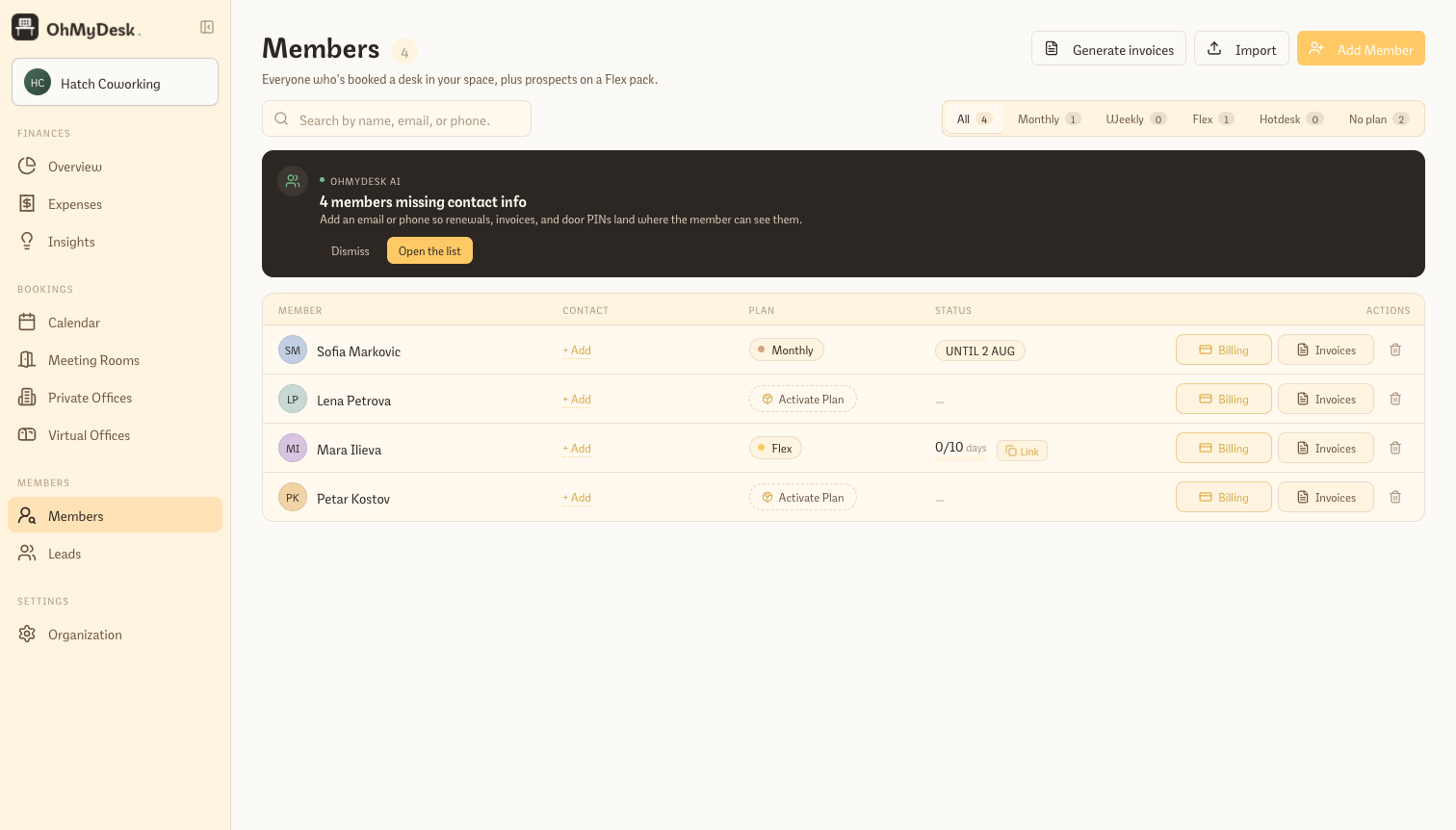
Not every coworking operator wants a double-entry style ledger on day one. OhMyDesk keeps Advanced payment mode off for new spaces so the sidebar stays focused on invoices and overview. Flip one switch when you are ready: the Charges and Payments pages appear under Finance, the Members list shows who owes what, and each member gets a chronological statement that combines charges and payments. Members see the same balance in their portal when the mode is on.
Who it’s for: Spaces that reconcile every booking, plan and manual fee against a running balance per member — for example after a migration with a deep payment history, or operators who want Payments and Charges registries alongside invoices. Most new spaces can leave it off and use invoices only.
What you get
- Off by default when you create a space — nothing turns it on during signup or onboarding
- Turn it on under Settings → Billing & invoices → Advanced payment mode (owners and admins)
- When on: Payments and Charges in the Finance sidebar, member balance column and filters, member billing statements in admin, and balance plus statement in the member portal
- When off: invoices, mark-as-paid, Stripe checkouts and Overview revenue still work; only the registries and debt views are hidden
- Also changes how “Mark as paid” behaves on invoices and bookings: advanced mode opens the full payment form; simple mode records today’s payment in one step (you can still add payments with the full form from Overview when needed)
- Ledger math ignores superseded charges and avoids double-counting invoice header rows when the same invoice already links the underlying booking charges
Frequently asked questions
- Does Advanced payment mode delete my charges or payments when it is off?
- No. It only changes what operators and members see. Records stay in the database; turning the mode on again brings the same ledgers back.
- How is this different from invoicing?
- Invoices are always available when you bill members. Advanced payment mode adds the separate Charges and Payments registries, running balances, and member statements on top — for spaces that track every financial movement per member.
- Who can turn it on?
- Owners and admins can change it in Settings → Billing & invoices. Managers and staff follow whatever the space has chosen.
Try every feature free for 3 months.
No credit card. Set up your space in under two minutes.
Start Free Trial