Stripe Checkout payments for public bookings
Let visitors pay for day passes online before their booking is confirmed. Each space connects their own Stripe account — funds go directly to them and OhMyDesk takes no cut.
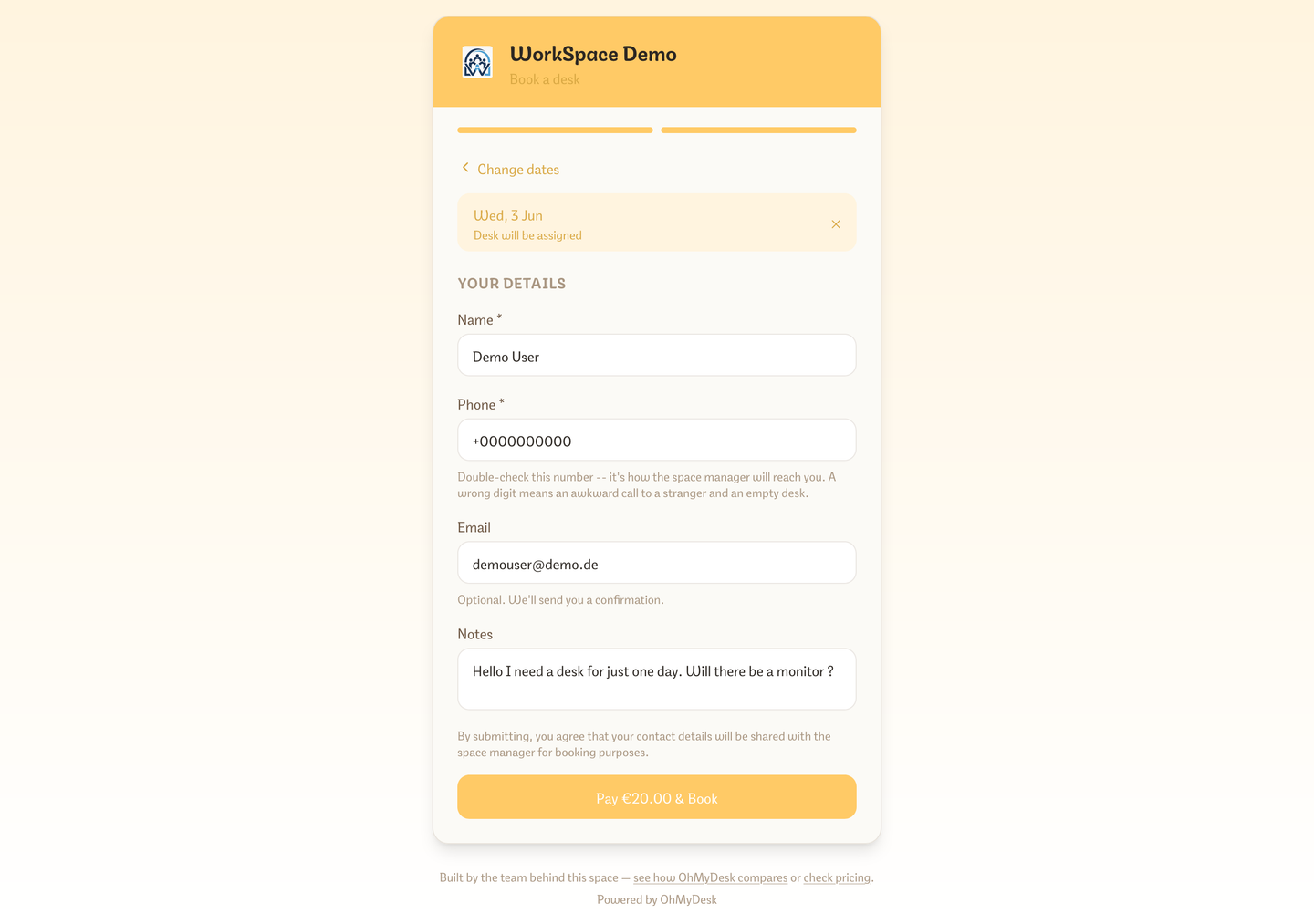
Enable paid public bookings in a few minutes. Each coworking space connects their own Stripe account from Settings → Integrations → Stripe (just paste your API keys, no Stripe Connect onboarding) and adds the webhook URL shown there in the Stripe Dashboard. Then tick what to charge for under "Accept payment for": day passes, weekly and monthly passes, flex bundles, meeting rooms, or private offices. Visitors go through Stripe Hosted Checkout, payment confirms the booking automatically, and the funds land directly in your Stripe account.
What you get
- Connect your own Stripe account — OhMyDesk never touches the money
- Per-feature toggle: turn paid bookings on or off without disconnecting Stripe
- Hosted Stripe Checkout — no card data ever touches OhMyDesk
- Booking auto-confirmed via webhook after successful payment
- Multi-day desk bookings charge the same per-day rate as a single day pass — pick two days, pay for two
- VAT is charged the same way on desks, rooms, and plans — listed prices are net or already-gross, one setting
- Every online payment creates a paid invoice, so it shows in Payments and Invoices
- A paid day, weekly, or monthly desk pass can include public extras as their own Stripe lines. On a weekly or monthly subscription the extras renew with the pass, and each renewal invoice lists them
- Visitors who leave checkout can try again; unpaid meeting-room holds expire after 30 minutes and never create an invoice
- A public booking with an email you already have updates that member — company name, address, and VAT land on the member and the invoice
- Paid bookings show a Stripe-coloured indigo marker on the calendar
- Opt-in recurring weekly and monthly passes via Stripe Subscriptions — off by default in Settings → Integrations → Stripe; auto-charges each period, reserves the desk with continuity, and syncs smart lock access
- Members who stop a recurring pass keep it until the end of the period they already paid for
- Multi-currency support — visitors pay in whatever currency your space is set to
Try every feature free for 3 months.
No credit card. Set up your space in under two minutes.
Start Free Trial