Automatic Google review requests
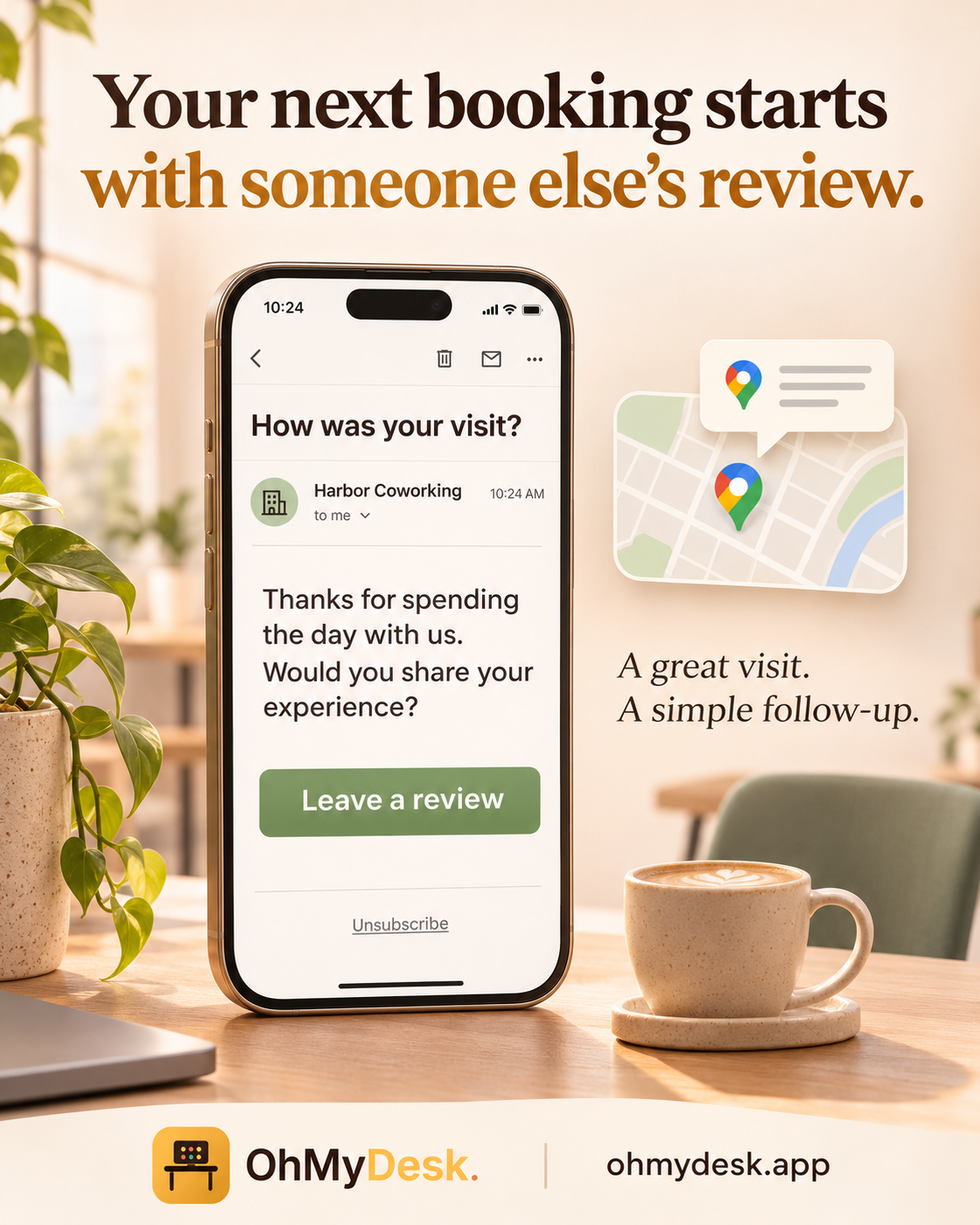
OhMyDesk emails each guest one review request with your Google Maps link a few days after their visit. More recent reviews make your space easier to find and easier to choose on Google Maps, and you do not have to remember to ask.
Most people find a coworking space the same way: they search "coworking near me", look at the map, and pick a place with many recent reviews. Google says the number of reviews and the rating are part of how it ranks local results. Your space already has what most local businesses lack: a steady flow of first-time guests on day passes. Almost none of them leave a review, because nobody asks. OhMyDesk asks for you. Paste your Google Maps review link once, and every desk guest gets one polite email after the visit, while the experience is still fresh.
What you get
- One setting, then it runs by itself: turn it on in Communication Hub → Request feedback from guests and paste your Google Maps review link
- Reaches the guests you never get to ask in person: every finished desk booking, from a day pass to a weekly or monthly plan, and flex members after a day they used
- Sent after the visit, never before: two days later by default, in the morning in your time zone. You choose the delay, from the same evening up to 90 days
- Only real visits: a cancelled or paused booking gets no email
- One click to the review form: the email carries a button with your link. Any review link works, so you can point it at another review site instead
- Your own words or ours: write your own message, or leave the box empty for a short thank-you in your space language (English, German, Spanish or Greek)
- Never a nag: each guest gets at most one request per cooldown period, 30 days by default, even when they visit every week
- Members on a rolling desk contract are left out, so long-term members are not asked again and again
- When your space has a contact email, replies go to it, so a guest with a complaint can write to you first
- Every email has an Unsubscribe link and the mail app's own Unsubscribe button. A guest who opts out still gets booking confirmations and door codes
- Turning it on does not email guests from weeks ago; it starts with current visits
- A better visit earns a better review: the same page adds your entrance, a map link, the Wi-Fi and house rules to every booking confirmation
- Tip for local search: add your public booking link to your Google Business Profile, so people who find you on Maps can book a desk at once
Frequently asked questions
- How do I get more Google reviews for my coworking space?
- Ask every guest, shortly after the visit, with a direct link to the review form. In OhMyDesk, open Communication Hub → Request feedback from guests, turn it on and paste your Google Maps review link. Each desk guest then gets one email after their visit. You set the delay and how often one person can be asked.
- Do Google reviews help my space show up on Google Maps?
- Google says that review count and rating are part of how it ranks local results, together with distance and how well your profile matches the search. Reviews also help people choose: a space with many recent reviews looks active and trusted. No tool can promise a position on the map, but a steady flow of new reviews is something you control.
- Is it allowed to ask guests for a Google review?
- Yes. Google allows you to ask customers for reviews. Its rules do not allow you to offer a reward for a review or to ask only happy customers. OhMyDesk sends the same request to every guest and offers nothing in return.
- Will guests get a review email after every visit?
- No. Each email address gets at most one request per cooldown period, which is 30 days unless you change it. Every email has an Unsubscribe link.
- Where do I find my Google Maps review link?
- In your Google Business Profile, choose the option to ask for reviews and copy the link. Paste it into the Review link field. If you leave the field empty, OhMyDesk uses the map link from your booking confirmation settings.
- What else is on the Communication Hub?
- Two more cards. Booking confirmation emails adds your entrance, a map link, the Wi-Fi and house rules to every confirmation. Member announcements posts a message you write to your members' Telegram group.
Try every feature free for 3 months.
No credit card. Set up your space in under two minutes.
Start Free Trial